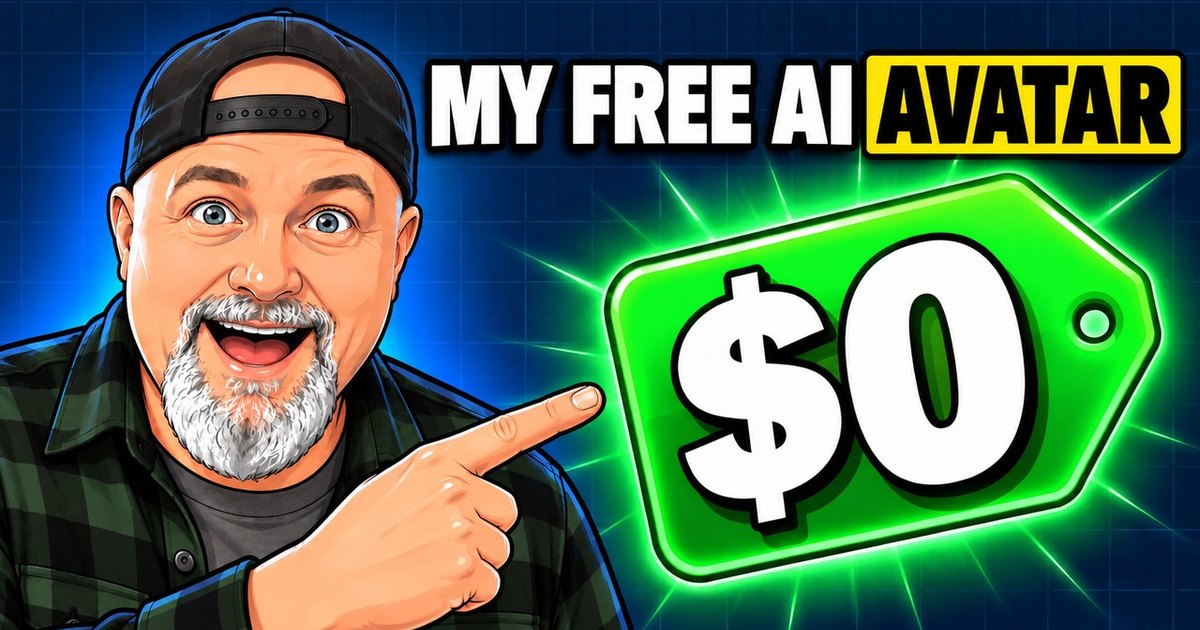
The Goal: Automate the Channel
I want to run this channel with as much automation as I can. That means two things: a cloned voice so I don't have to record every line, and an avatar to be the face. The voice part mostly worked. The face was the hard part.
My first idea was the obvious one: a realistic avatar of the real me. It did not go well. So I ended up with a cartoon, and the cartoon turned out to be better in ways I did not expect.
The Voice: A Clone That Runs Locally
My voice stays on my own computers. I trained a voice clone on my own recordings, mostly made with an Audio-Technica AT2020 USB+, and my newest training session was recorded on a Mackie EM-USB. The model runs locally, so there is no per-minute fee for narration either.
That left the face. And I had already decided I was done paying yearly subscriptions, so I asked Claude to find cheap, pay-as-you-go options.
Four Avatar Tools, One Price Problem
Claude sent the same line, with my face, through four tools. One runs free on my PC's graphics card (through ComfyUI), and three run in the cloud.
| Tool | Where it runs | Cost | My verdict |
|---|---|---|---|
| LatentSync | My PC (RTX 3060), ComfyUI | Free | Bad |
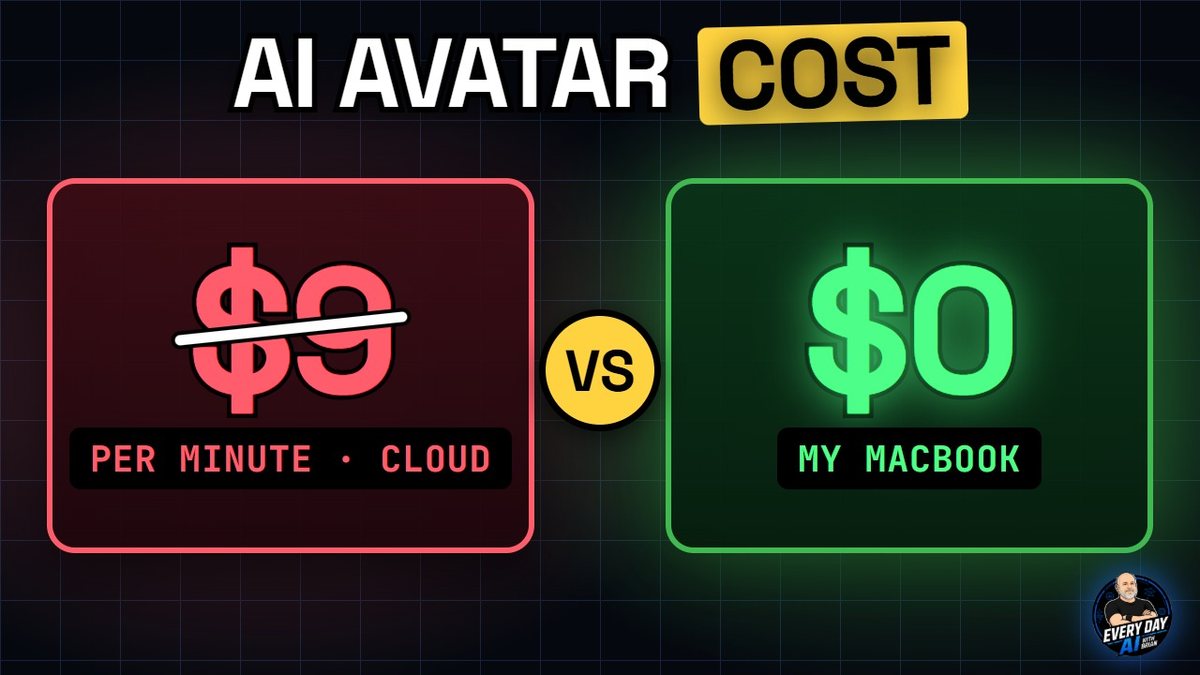
| Kling Avatar v2 | Cloud | About $3.40 / min | Probably the best, but way too expensive |
| OmniHuman 1.5 | Cloud | About $9 / min | Too pricey |
| Wan 2.2 S2V | Cloud | Cheap | 13-minute wait, low resolution, cut off early |
Prices as I measured them in October 2026. They change often, so check each tool's pricing page before you plan around them.
Why I Switched to a Cartoon
The paid tools weren't terrible, but a realistic copy of a real person kept reading as fake to me. So I asked for a cartoon of me instead. The first cartoon was better, but it didn't look enough like me.
I gave ChatGPT my photos, my old logo and the cartoon I liked, and asked for a version with my new goatee, then one more with my arms down. I picked the goatee version and asked for head-on shots, because the mouth looks right when the face points straight at the camera. Then I ran the same test again with the cartoon.
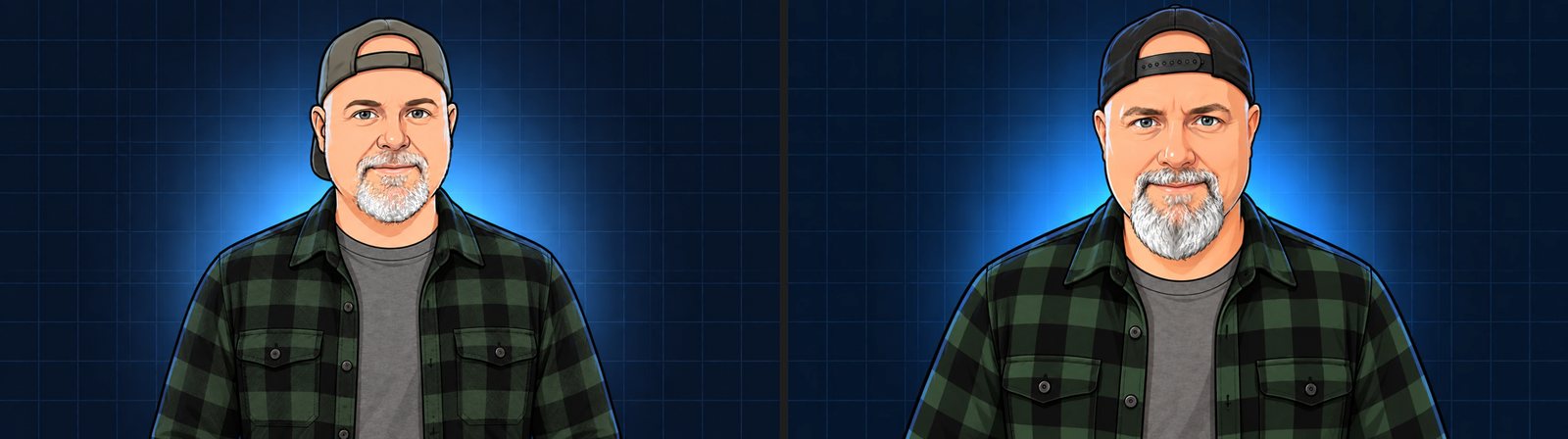
The cartoons hid the fake-face problem. Kling Avatar v2 was still probably the best, but it was still too expensive per minute. I needed a free option.
Any Outfit From One Image
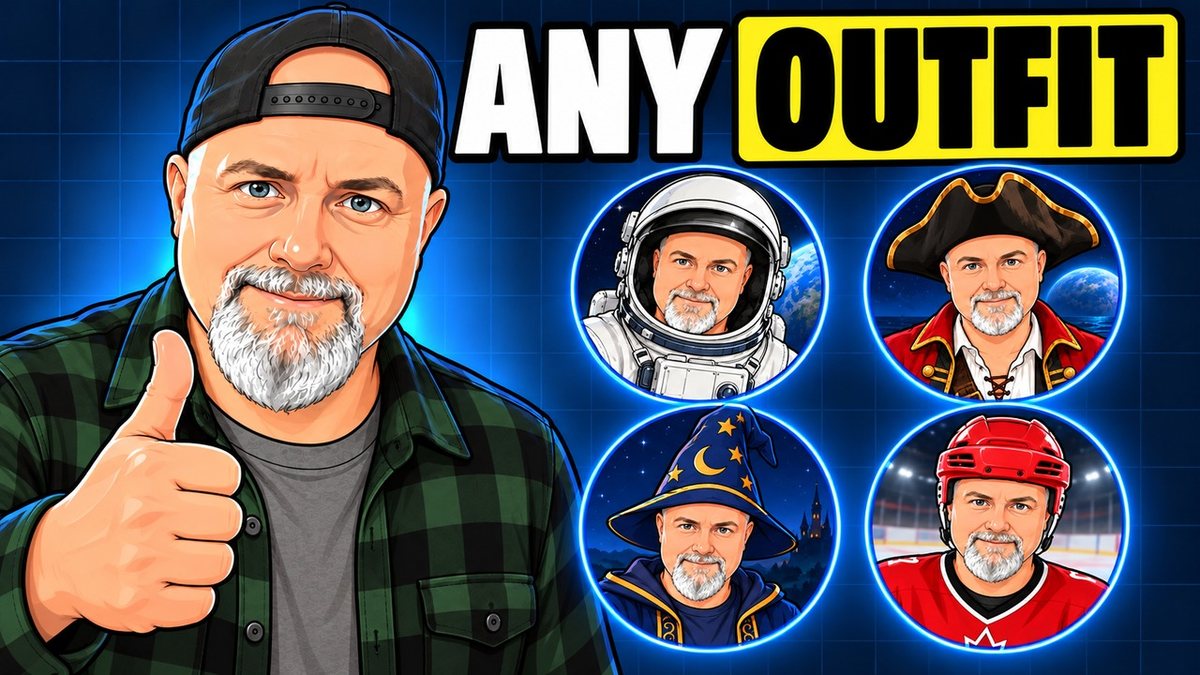
The best part of a cartoon avatar is that it can change clothes, or even its whole setting, from a single image. I wanted outfits, so I asked ChatGPT for a comic-book shirt. Easy. Then I asked for a Batman shirt, and ChatGPT said no. Lawyers.
So Claude made the shirts on my own PC, where there are no lawyers. My first Star Wars shirt came out generic. The second one used the real logo. Now the avatar can wear anything I like: a hockey player, an astronaut, a pirate, a wizard. It's not magic, it's just AI.
The Free Way: My MacBook
My PC's graphics card wasn't strong enough to make a good avatar, so Claude tried a more powerful option: my MacBook Pro. It runs the avatar model locally, which means no subscription and no per-minute fee. The cost per video is zero. It is slow: in my tests it takes roughly 75 seconds of rendering for each second of video, so I keep the avatar clips short and let the voice carry the rest.
Bonus: The Avatar End Credits
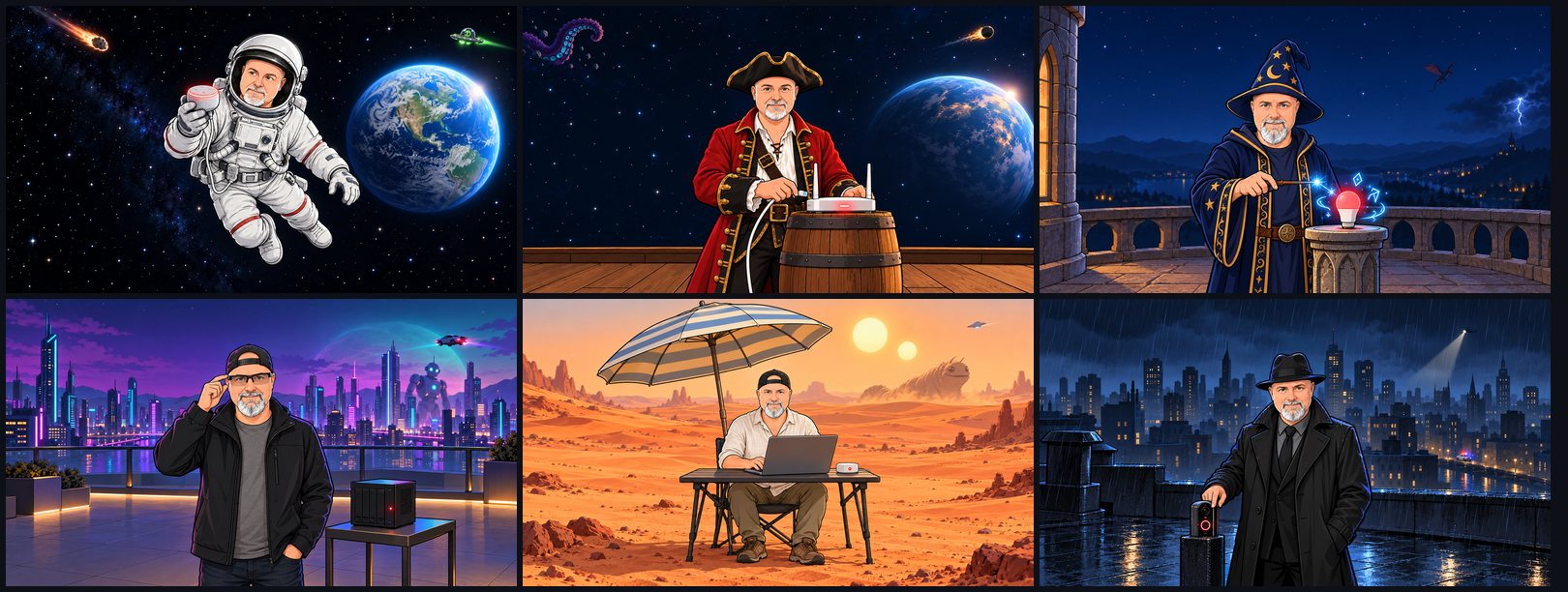
Because the avatar can go anywhere, I made end credits where it fixes a smart home problem in the middle of wild situations: floating in space, on a pirate ship, in a wizard tower, in a neon city, on a desert planet and on a rainy rooftop. Each scene is a still image from ChatGPT animated with Grok's image-to-video tool, and every scene ends with a device light turning from red to green.
The Short Version: How to Make Yours
- Take a phone photo. Face the lens, head and shoulders in frame. Don't worry about the lighting.
- Let ChatGPT restyle it. Attach the photo and ask for what you want, for example: "Use this image as a reference, put a backward black cap on me, have me standing more toward the camera and put a nicer background image for it." Run it a few times and pick the version that looks most like you.
- Pick a voice. Your own recording, a cloned voice, or any text-to-speech voice. Short lines of about five seconds work best.
- Turn the photo into a talking video. Run an avatar model on your own computer for free (slow), or pay per minute in the cloud (fast).
- Keep the clips short and head-on. Short clips and straight-on photos give the best mouth movement.
Your turn: what outfit or setting should my avatar try next? Tell me in the comments on the video, and I'll pick the best ideas for the next one. Want the full step-by-step as its own tutorial? Say so there, too.
Frequently Asked Questions
Can you make an AI avatar of yourself for free?
Yes, if you have a computer that can run it. I render my cartoon avatar on my own MacBook Pro, so there is no per-minute fee and no subscription. It is slow, roughly 75 seconds of rendering for every second of video in my tests.
How much does an AI avatar cost per minute?
In October 2026 I measured about $3.40 per minute for Kling Avatar v2 and about $9 per minute for OmniHuman 1.5. Prices change, so check each tool before you plan a budget.
Why use a cartoon avatar instead of a realistic one?
Realistic avatars of a real person read as fake to me, and the good ones were expensive. A cartoon hides the uncanny-face problem, looks consistent, and can change outfits and settings from a single image.
Can an AI avatar change outfits?
Yes. I give an image tool the cartoon plus a short instruction and get the same character in a new outfit or setting. ChatGPT refused a Batman logo shirt, so I made that shirt with an image model running on my own PC.
Do I need a voice clone for an AI avatar?
No. Any recorded or text-to-speech voice works. I use a clone of my own voice, trained locally on my recordings, so the channel sounds like me without recording every line.
Transparency: the narration in the video is an AI clone of my own voice, the avatar is an AI-animated cartoon of me, and the outfits and scenes were made with AI image tools. The chats with Claude shown in the video are from my real sessions, retyped as cards for readability.
Gear in This Video
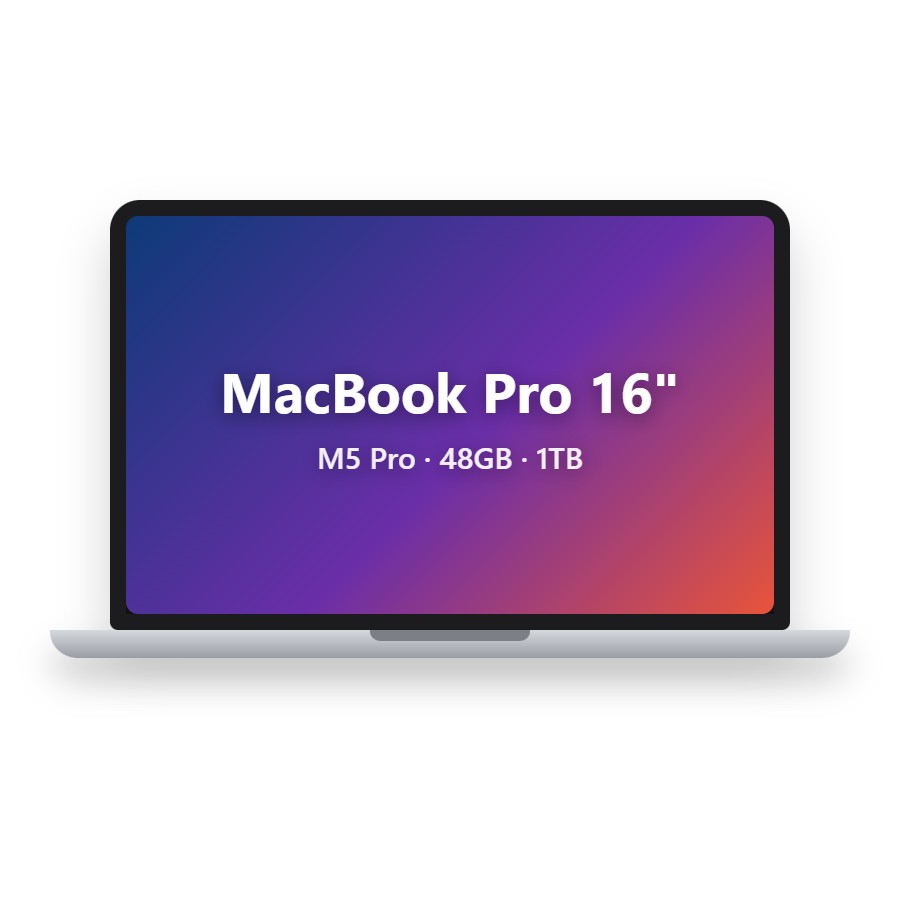
MacBook Pro 16" (M5 Pro, 48GB / 1TB)
Where my avatar renders for free. This Amazon listing is the same 16-inch M5 Pro 48GB / 1TB configuration and includes AppleCare+.
View on Amazon →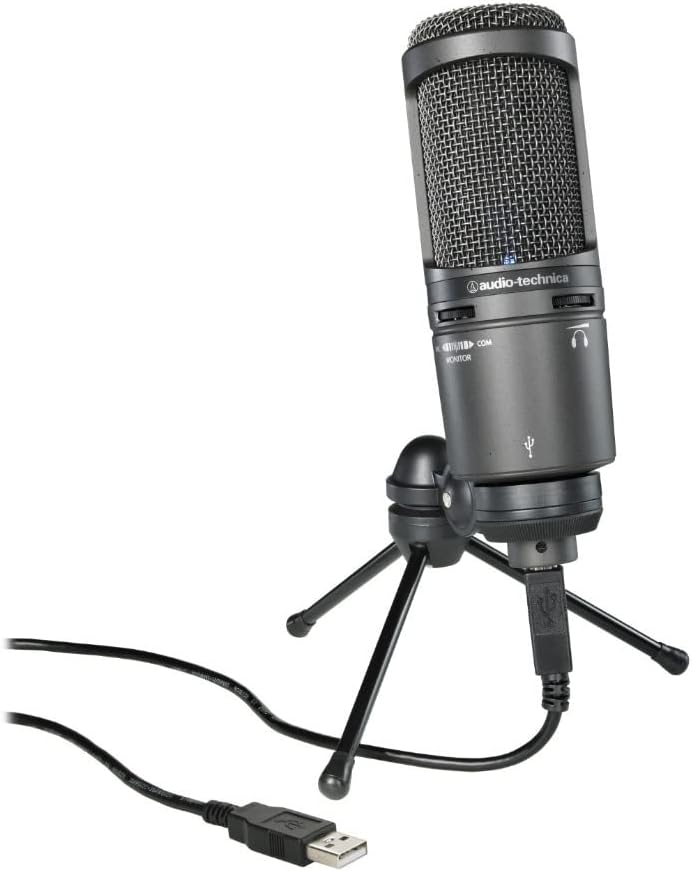
Audio-Technica AT2020 USB+
The USB mic I recorded most of my voice-clone training audio on.
View on Amazon →
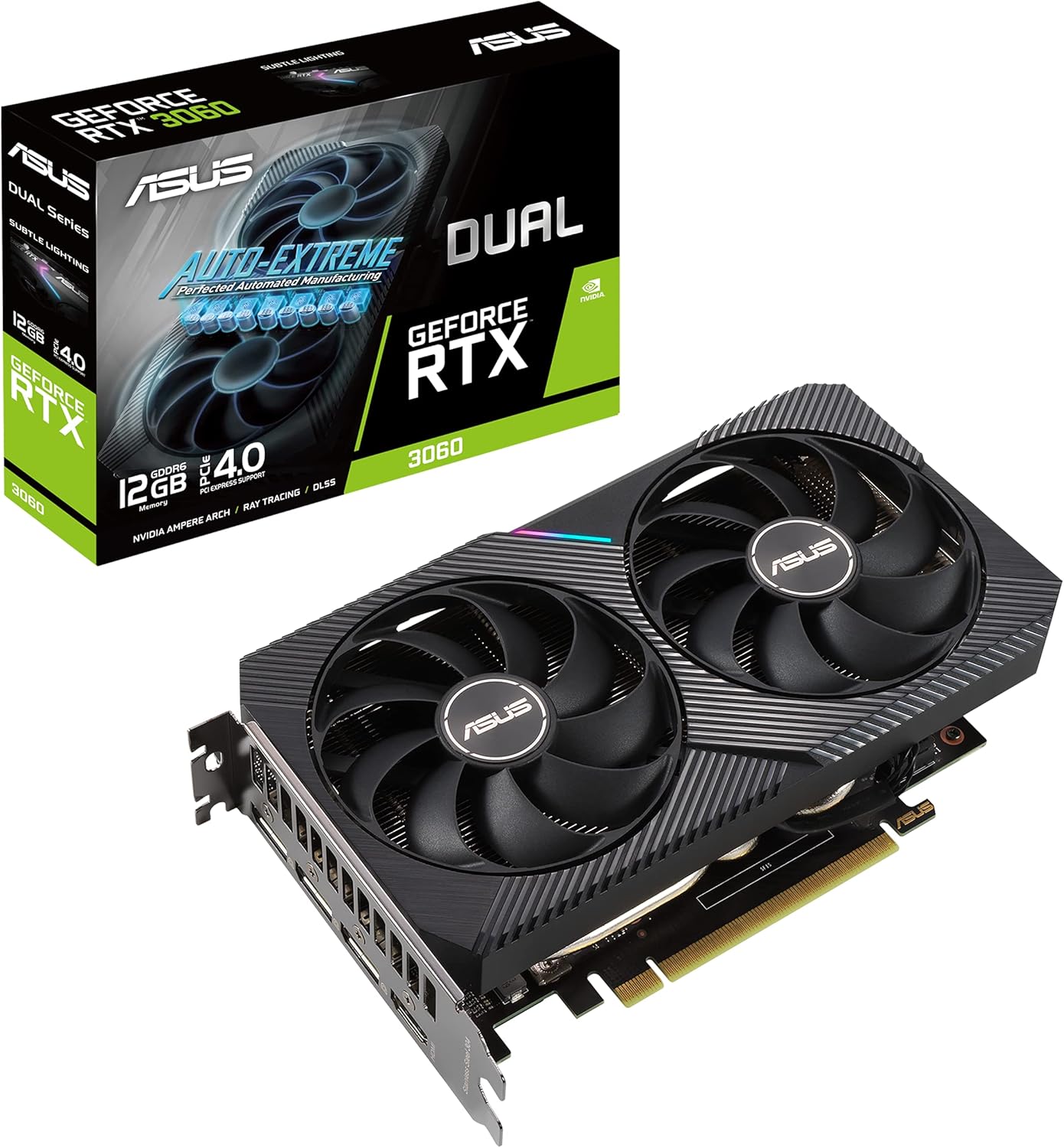
NVIDIA RTX 3060 12GB
My PC's graphics card. Great for local image and voice models, but not strong enough for a good avatar.
View on Amazon →Want to see it in action?
Watch the full video on YouTube, including the avatar end credits.
Watch on YouTube